AI Setup Review
It Reads Your Event and Tells You What to Fix
A checklist that fills itself in as you work, and a review you can ask for whenever you like. Both read your own event and nothing else, and neither one changes a setting.
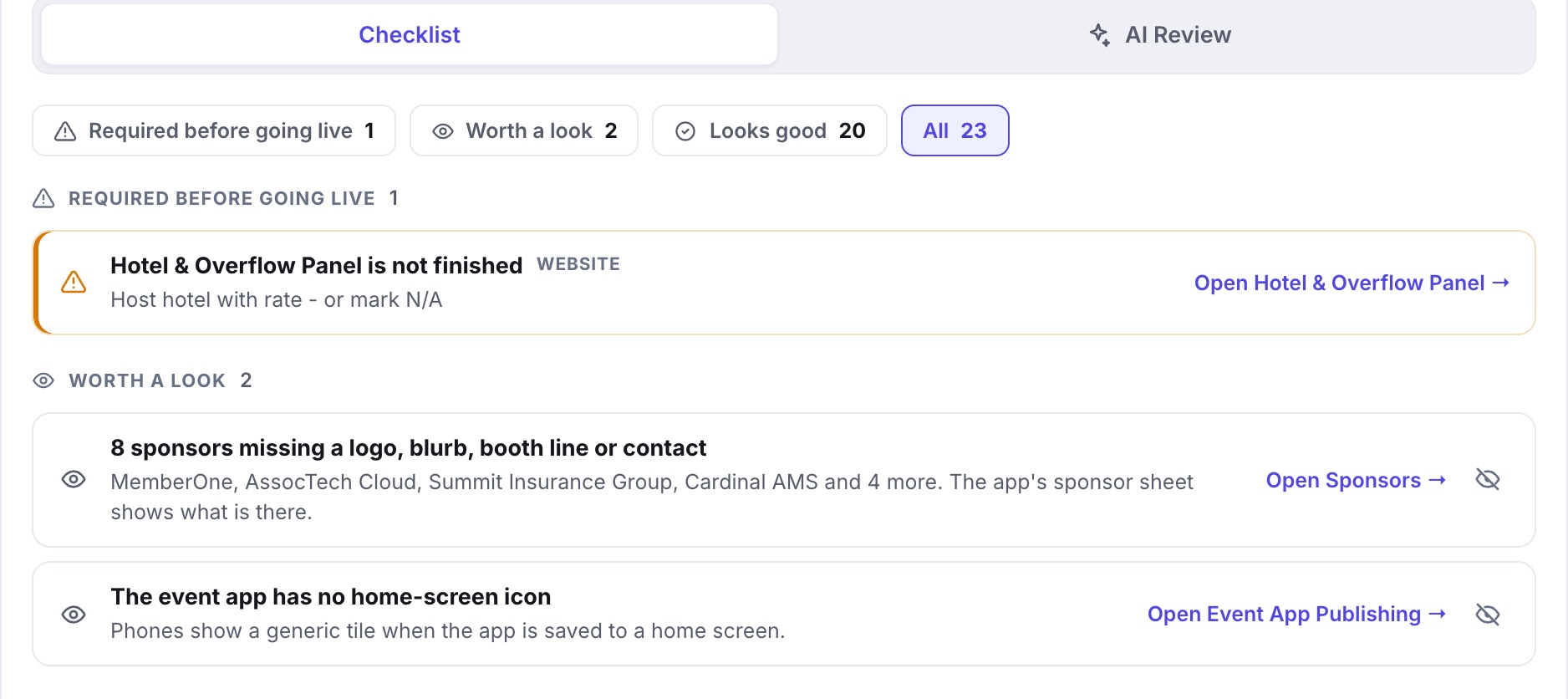
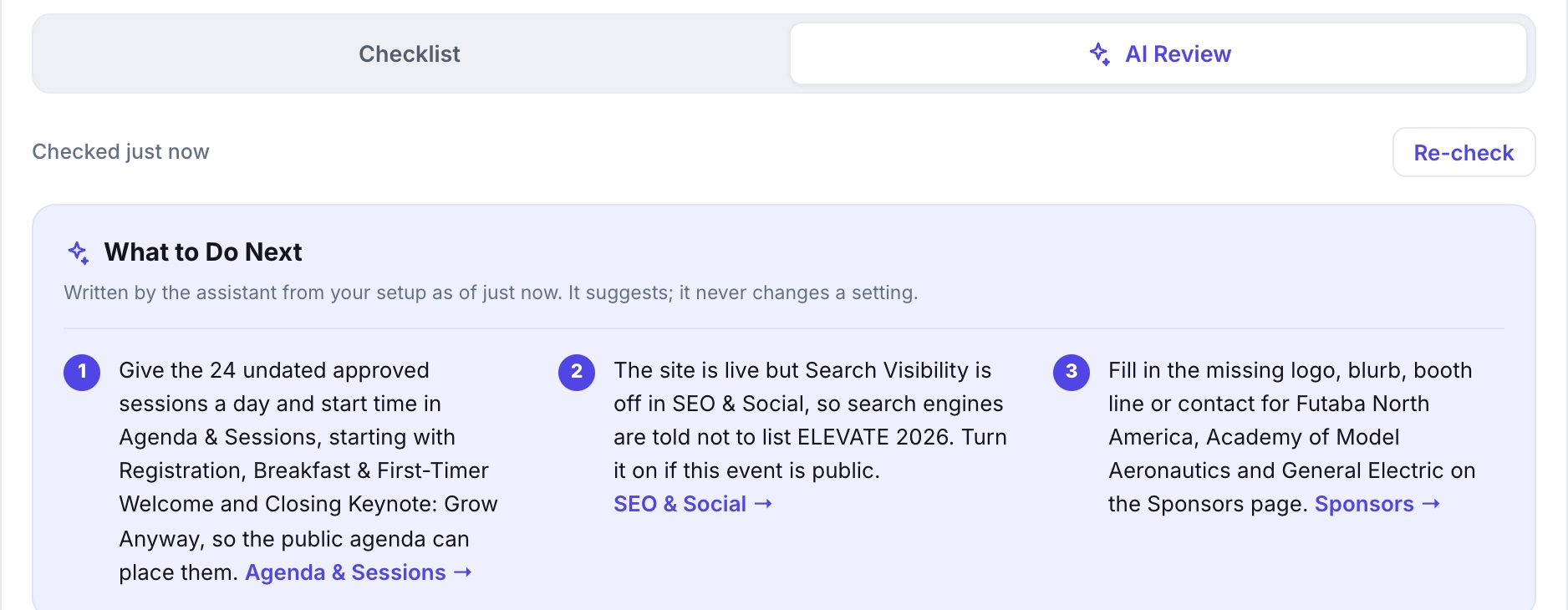
Showstoppers Before They Stop the Show
The checklist fills itself in as you work. Anything that blocks going live is named, with a link to the screen that fixes it.
It Suggests. It Never Touches a Setting.
The AI reads your event as it stands and writes a three-step plan in plain English. It moves nothing. Every change is still yours to make.
It Learns From Every Event, Yours Included
It learns from the journeys organizers take through the studio, yours among them. When a setup pattern trips up one organizer, the next one gets a heads-up.
Intentional? Say So Once
Some flags are choices, not mistakes. Mark a finding Not an Issue for Us and it stays set aside for that event.
Re-check Whenever You Like
Change something, press Re-check, and the plan rewrites itself. If nothing changed, it says so instead of inventing new advice.
The checklist runs every time you open the Dashboard. The AI Review runs only when you press the button, reads only your own event, and writes nothing back. The help center is still there for the how-do-I questions. This is for the ones you did not know to ask.
The Rest of the Studio
Fourteen More Jobs It Does for You
Every one of them is part of the same studio and the same per-event price. See all fifteen on the home page.